

Three designers could not keep up with Product Managers on routine flows and early specs
Complex hardware features required exhaustive visual pre-specifications to map every edge case, while repetitive onboarding tutorials clogged Figma with endless legal copy tweaks. We needed a way for Product Managers to explore connected user journeys on their own without waiting on design tickets.
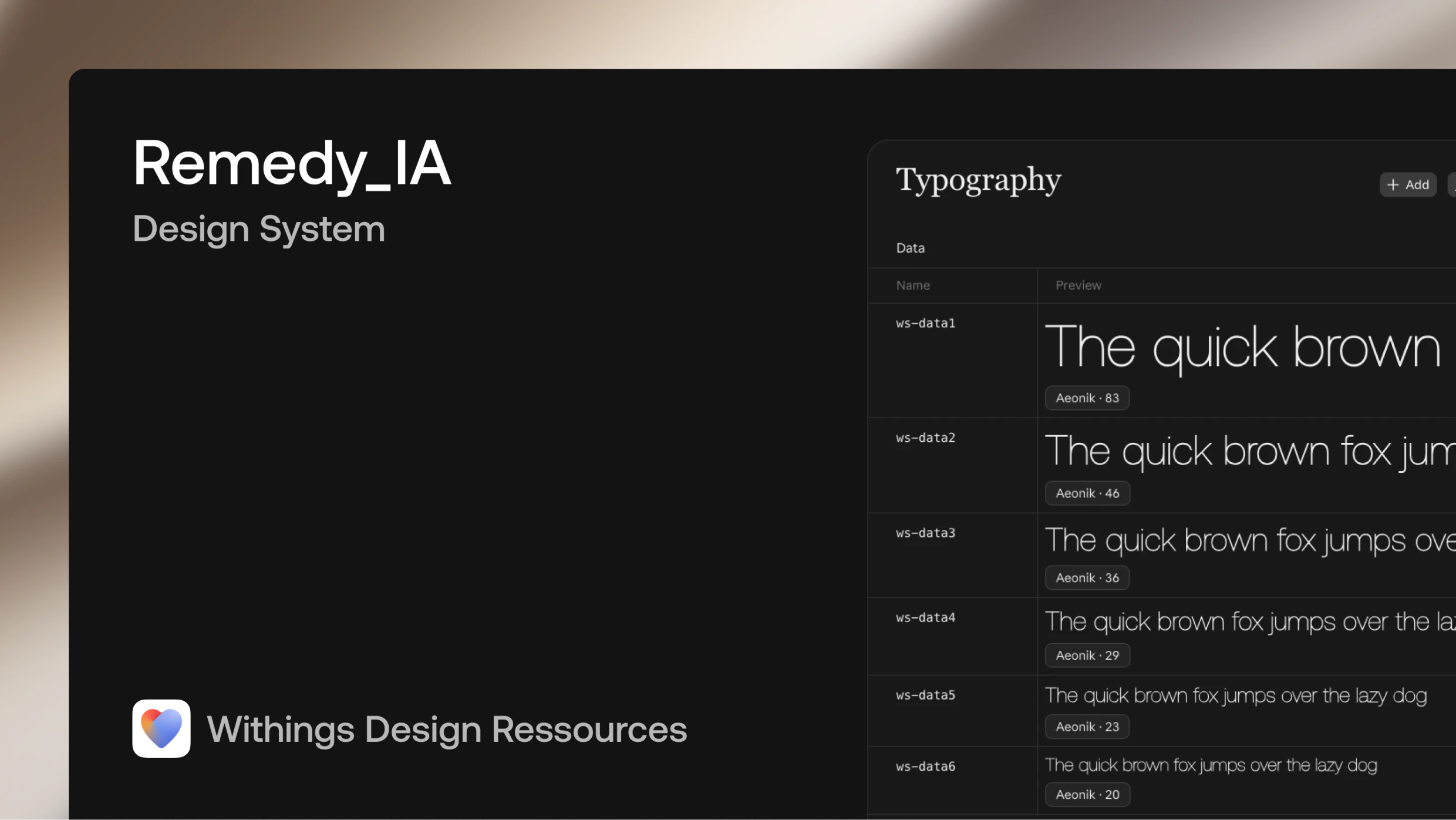
Moving our Remedy Design System into Claude Design was the obvious test. Dropping our raw .fig file into the importer pulled basic colors, but broke component anatomy, dropped all icons and flattened our UI into generic wireframes. A file upload did not give us a working system; we had to rebuild the foundations underneath.
A bulk export builds generic UI; matching production takes rebuilding components one by one
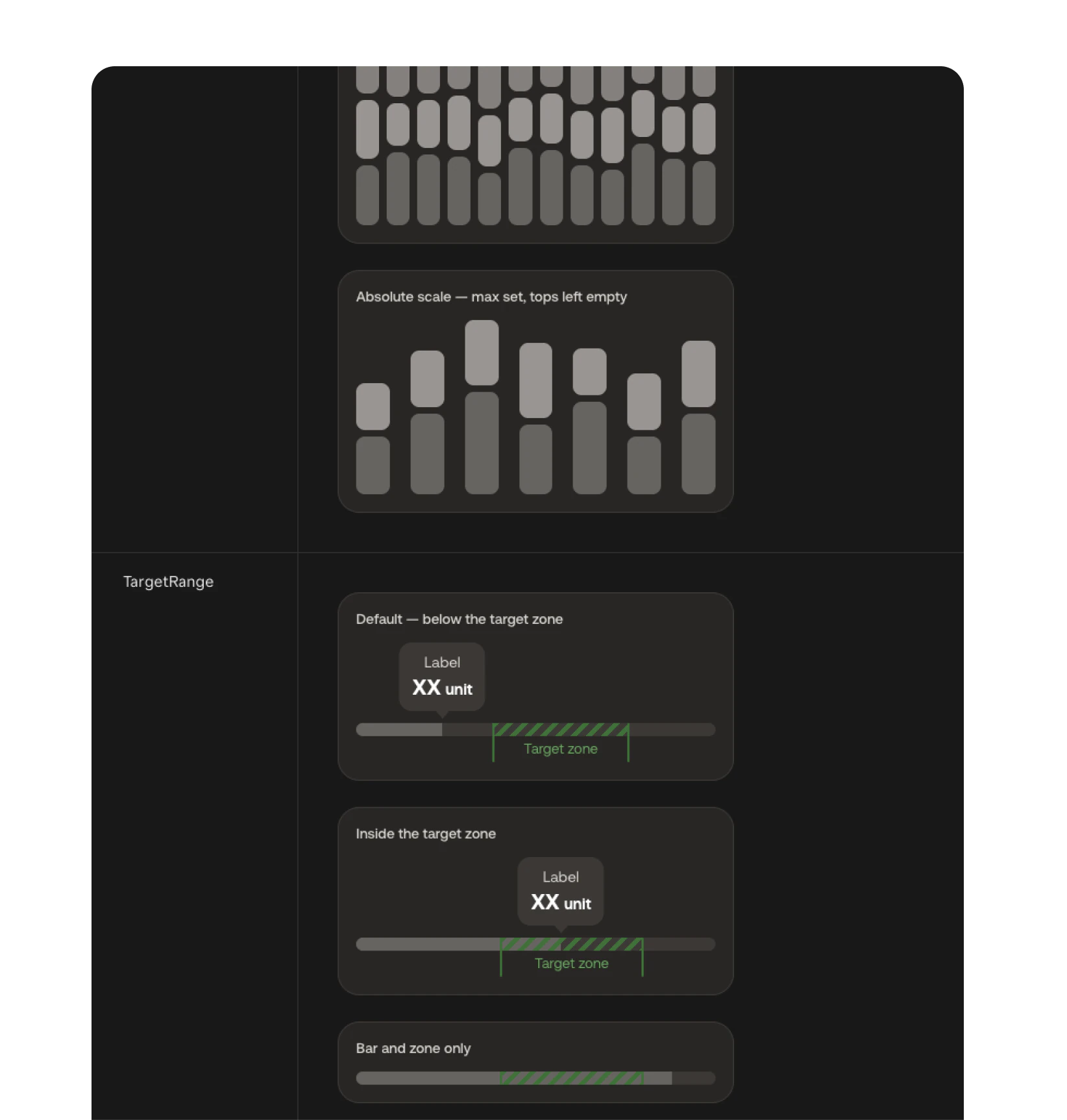
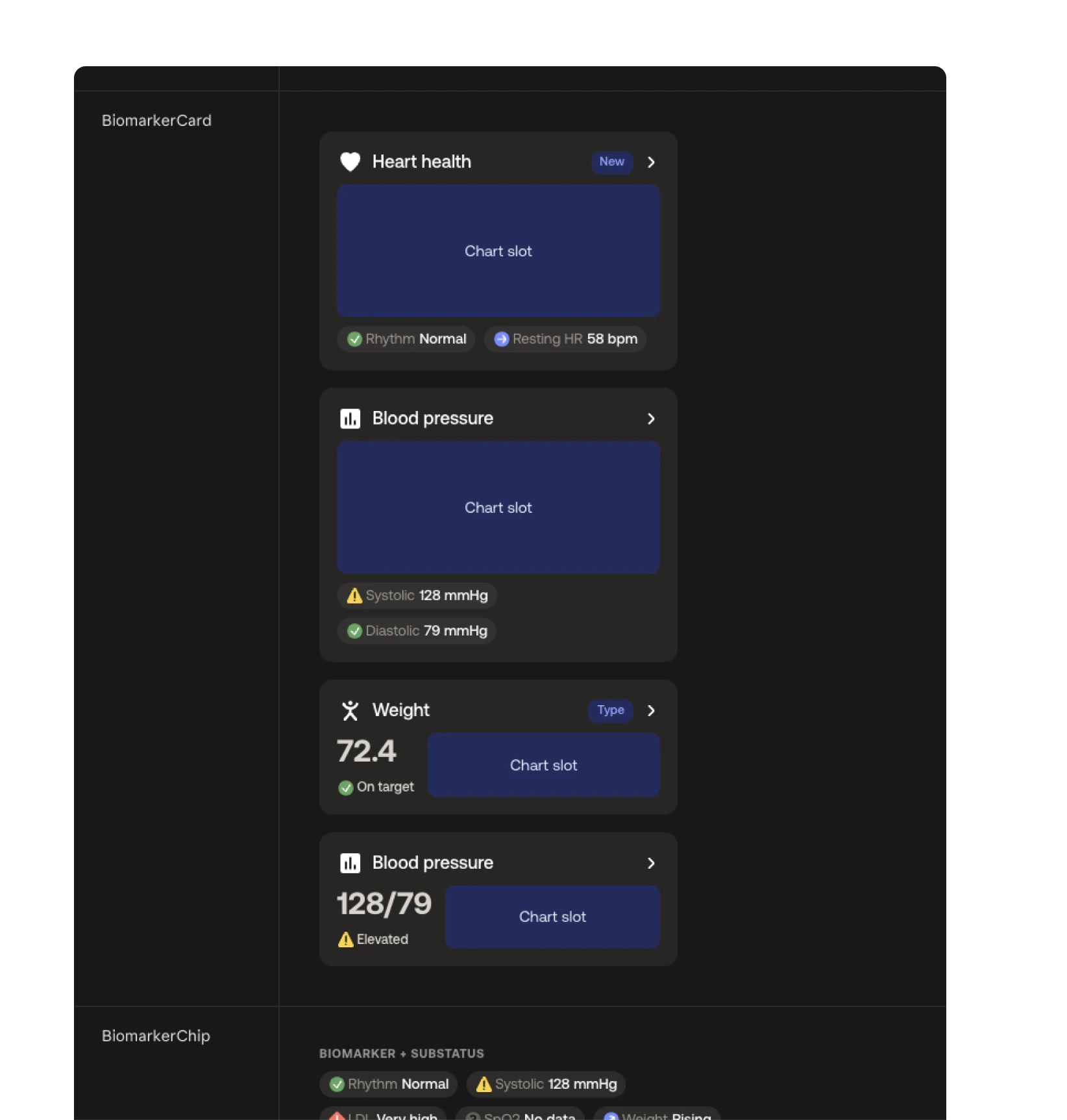
Rebuild components individually for modularity. Mass-imported components looked vaguely like a health app, not like Withings. I went through the library one by one, writing 62 JSX files to match our Figma and the production app. Each component was isolated so a broken property never crashes a preview, turning generic placeholders into production-accurate biomarker cards and clinical charts.
Isolated templates keep PMs fast while protecting the core system
Separate the core system from 7 starting templates. Several Withings experiences use custom components that never belong in standard settings screens. I isolated them into 3 ready-to-use screen templates, each paired with a baseline iPhone frame and a short usage contract defining what stays locked and what PMs can change. The 4 others are linear flows, such as settings: starting from a template keeps generations consistent and close to production, so PMs can explore ideas with confidence.
Treat AI flows as interactive pre-specs, never unreviewed handoffs. On simple, legal-heavy tutorials, PMs prompt full flows and refine copy directly, using chat fallbacks whenever Claude Design’s direct editor fails to save text edits. On complex hardware features, PMs generate multi-screen journeys with realistic data to stress-test edge cases before design begins. Early on, developers built straight from a PM prototype before a designer reviewed it, forcing a costly rework. Today, every generated flow passes through a designer review checkpoint before engineering handoff.
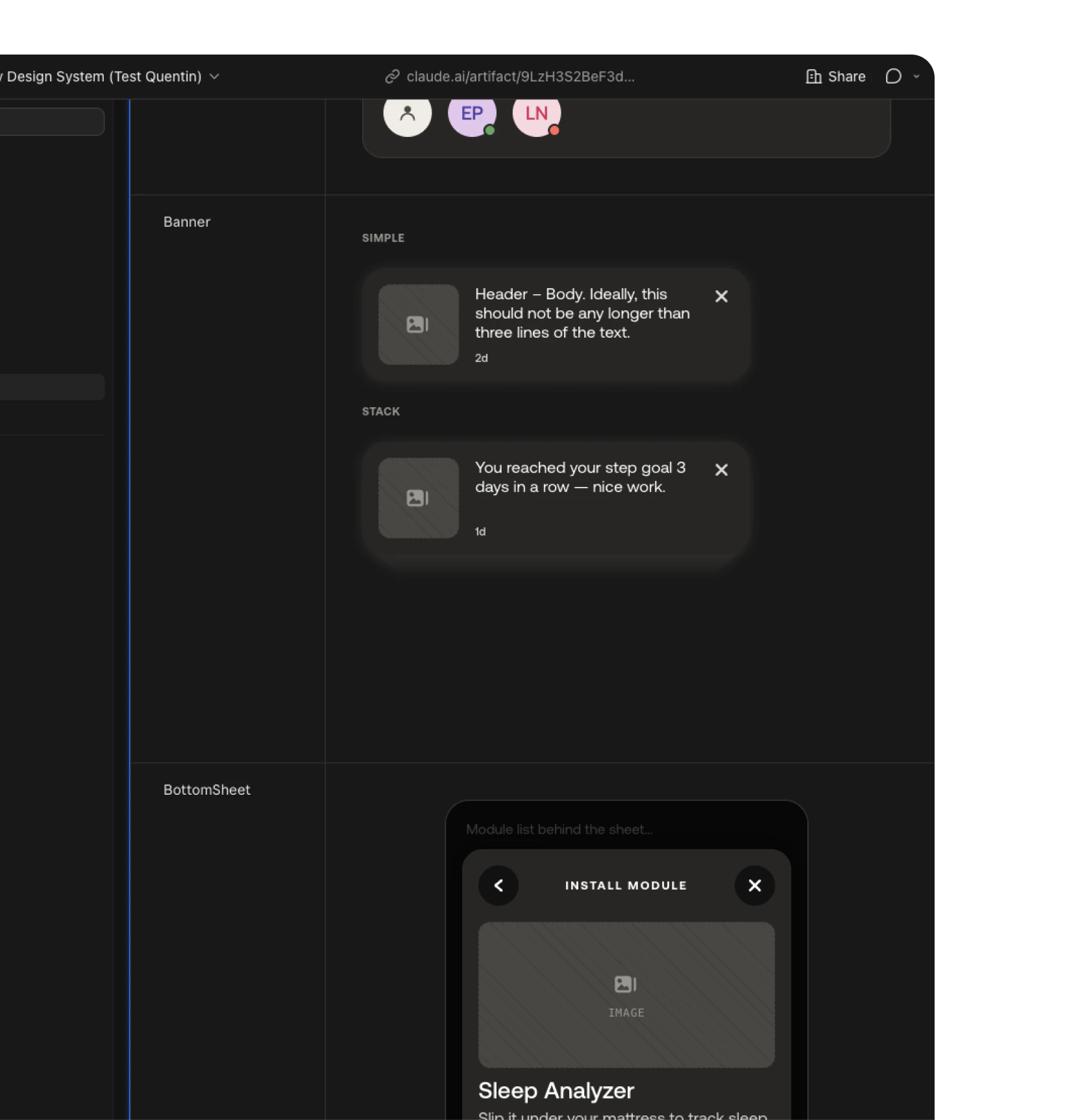
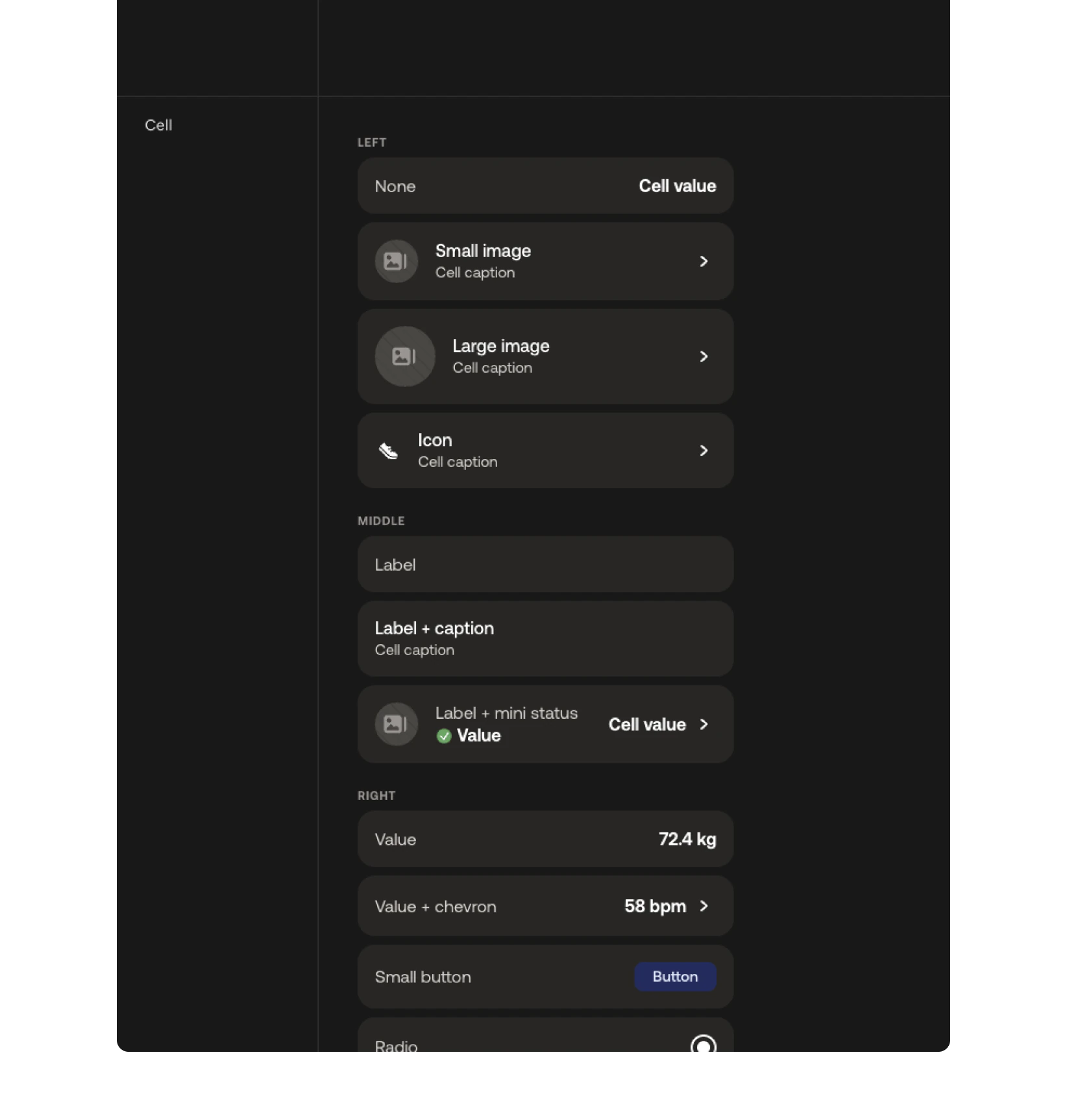
Bridging generated HTML back into Figma required building a custom importer
Build Claude2Figma to restore Auto-Layout and design tokens. When a PM’s pre-spec moves into final craft, designers need editable layers in Figma. Standard web captures flatten the hierarchy and break token links, forcing us to redraw screens from scratch. I coded a Figma plugin, Claude2Figma, that takes Claude Design’s standalone HTML export via drag-and-drop, rebuilds clean Auto-Layout frames and automatically re-binds our color variables and Aeonik text styles. Complex component instances still need manual wiring, leaving the designer focused on what AI cannot do: injecting human taste, craft and visual distinction.